SAP UAT: How User Acceptance Testing Works in SAP, With a Free Template
By Sharif George · Updated 14 October 2026 · 11 min read
SAP UAT meaning
SAP UAT (user acceptance testing) is the last test phase before an SAP system goes live, where the business users who will run SAP execute their real end-to-end processes in a production-like system, with their own roles and migrated data. It ends with each business process owner formally accepting the system for go-live, or refusing to.
Everything earlier in an SAP project proves the build is correct. UAT answers a different question: can the business actually run on it? Below is how it works on an SAP programme, with 24 example scenarios and a free template that has no form to fill in.
Download the SAP UAT template (.xlsx)Where UAT Sits in SAP Testing
SAP projects run several test phases. The cleanest way to tell them apart is who runs each one, in which system, and what it proves.
| Phase | Run by | System | What it proves |
|---|---|---|---|
| Unit testing | Functional consultants and ABAP developers | DEV | Each configuration item or development works on its own |
| Integration testing (SIT) | The implementation team, with key users observing | QAS | End-to-end processes run correctly across modules and interfaces |
| User acceptance testing (UAT) | Business key users and end users | QAS or pre-production | The business can run its processes with its own roles and data, and accepts the system |
| Regression testing | Project team and key users | QAS | Fixes and new transports have not broken anything that already passed |
| Mock cutover | Cutover and data migration teams | QAS or a dedicated mock system | Data loads and cutover steps fit inside the go-live window |
SIT vs UAT in SAP
SIT and UAT get confused most, because both run end-to-end processes in QAS. SIT is the project team proving the build works: a goods receipt creates the right accounting document. UAT is the business proving it can work with the build: the buyer can release a purchase order with their own authorisations, and AP can clear GR/IR at month end. SIT failures are build defects. UAT failures can also be gaps in design, roles or training, which is why they cost more to fix and why UAT should not start until SIT is substantially complete.
UAT runs in the quality assurance system (QAS), or a pre-production system on larger programmes, because that is where the transported build meets data from a mock migration load. A UAT result is only valid for the transports that were in QAS when it ran. In SAP Activate, SIT and UAT both sit in the Realize phase, and Realize is not finished until UAT is signed off.
Who Does SAP UAT, and Who Signs It Off
UAT belongs to the business. If consultants are executing the scripts, it is an extension of SIT, whatever the plan calls it.
- Key users are the process experts from each area: AP, purchasing, sales order processing, payroll. They help write the scripts and run most of them.
- End users are the people who will do the job every day after go-live. They run scripts with their own production roles, which is how authorisation gaps get found in UAT rather than on day one.
- Business process owners, one per process and usually a head of department, review the results and sign off their process. This is the signature that matters.
- The test manager plans the cycles, runs daily defect triage and reports progress.
- Consultants and the systems integrator prepare the system, explain behaviour, fix defects and move the fixes in transports. They support UAT. They do not execute it or sign it.
- The steering committee makes the go or no-go decision from the process sign-offs, the open defect position and cutover readiness.
How to structure the sign-off itself, including conditional acceptance, is covered in our guide to the UAT sign-off process.
The SAP UAT Process, Step by Step
Allow four to six weeks for core modules and eight to twelve on large S/4HANA programmes. The steps are the same either way.
- Agree scope and criteria. List the processes, company codes, plants, interfaces and roles in scope, and what is out. Write entry criteria (SIT complete, no open critical defects, QAS refreshed) and exit criteria (every script run, no open critical or high defects without an agreed workaround, every process owner signed off). Our UAT test plan template covers the structure.
- Write scripts from business processes. Organise by procure to pay, order to cash, record to report and hire to retire, not by module. Each step names the transaction or Fiori app, and each script names its test data, its role and a checkable expected result.
- Prepare the data. Use data from a mock migration load, not hand-keyed perfect records. Allocate specific customers, materials and orders to each script so two testers do not consume the same stock and block each other.
- Prepare the environment. Refresh the QAS client with the latest transports, create tester accounts with production-equivalent roles (never SAP_ALL), open the posting periods, connect the interfaces and set up the Fiori catalogues each role will see.
- Run the cycles. Cycle 1 covers the core happy paths. Cycle 2 covers variants and exceptions: partial deliveries, blocked invoices, credit holds, leavers. Cycle 3 is a final regression run under a transport freeze.
- Triage defects daily. Every failure gets a severity, an owner and a target date. Each fix reaches QAS in a transport, the original script is retested, and anything else the transport touched is regression tested.
- Sign off. Each process owner signs off their process, with open defects and agreed workarounds recorded as conditions. The steering committee then makes the go or no-go call.
SAP UAT Scenarios by Module
These are the scenarios most SAP programmes need as a minimum. Each is a ready-made script in the template, with steps and expected results to adapt. Transaction codes are for SAP GUI. On S/4HANA, test through whichever Fiori app each role will actually use.
FI/CO: Record to Report
- Post a manual GL journal with cost centre and profit centre (FB50 or the Post General Journal Entries app)
- Run the supplier payment run and check the bank file and clearing (F110)
- Post an incoming customer payment and clear the open invoice (F-28)
- Month-end GR/IR clearing and foreign currency revaluation (F.13, FAGL_FCV)
- Capitalise an asset from a purchase order and run depreciation (AFAB)
- Run the cost centre assessment cycle and check plan against actual (KSU5)
Watch for: Check the cost centre, profit centre and segment on every posting. On S/4HANA they all land in the Universal Journal, so a wrong derivation shows up in every report at once.
MM: Procure to Pay
- Purchase requisition to purchase order through the release strategy (ME51N, ME21N, ME29N)
- Goods receipt against the purchase order (MIGO, movement type 101)
- Three-way match invoice within tolerance (MIRO)
- Invoice blocked for a price variance, then released (MIRO, MRBR)
- Stock transport order between two plants
- Return goods to the supplier (MIGO, movement type 122)
Watch for: Test release strategies with real approval values, and check the accounting document behind every goods movement, not just the stock.
SD: Order to Cash
- Standard order to cash: sales order, delivery, goods issue and billing (VA01, VL01N, VF01)
- Sales order blocked by the credit check and released by the credit controller
- Partial delivery with the balance left on backorder
- Customer-specific price, discount and VAT determination
- Customer return and credit memo
- Invoice output reaches the customer in the agreed format
Watch for: Run the whole chain as one script with a tester per role, so the handoffs between sales, warehouse and billing get tested.
HR and Payroll: Hire to Retire
- Hire a new starter and include them in their first payroll (PA40)
- Process a leaver and calculate final pay
- Backdated pay rise triggers the correct retro calculation
- Sickness absence flows through to statutory sick pay
- Run payroll and post the results to finance (posting run PC00_M99_CIPE)
- RTI Full Payment Submission generated after the UK payroll run
Watch for: Run a parallel payroll against the legacy results for the same period and reconcile every difference. A payslip that looks right is not proof.
The SAP UAT Document: What Goes In It
Ask five SAP programmes for their "UAT document" and you get five different things. In practice it is four documents, each answering one question.
Test plan
What are we testing, who tests it, when, and how do we know we are done?
Scope by process, company code and plant; entry and exit criteria; cycles and dates; the QAS client; severity definitions; testers and sign-off owners by process.
Test scripts
What exactly does each tester do, and what should happen?
One script per scenario: preconditions, test data, role, then each step with the transaction or Fiori app, an expected result, the actual result and evidence such as a document number.
Defect log
What failed, how bad is it, and is the fix in QAS yet?
Each defect links to the script and step that found it, carries a severity, and records the fix transport and the retest result.
Sign-off sheet
Who accepted what, on what evidence, and with what conditions?
One row per process owner: scripts run and passed, open defects, agreed workarounds, the decision, a name and a date.
Free SAP UAT template (.xlsx)
One Excel workbook with a tab for each document, plus a guide to using it. No email needed.
- Test Plan: scope, cycles, criteria, owners and a severity table
- Test Scripts: the 24 scenarios above, step by step
- Defect Log: severity, fix transport and retest result
- Sign-Off: one row per process owner, plus a go-live readiness block
Opens in Excel, Google Sheets and LibreOffice.
Common SAP UAT Mistakes
Testing with SAP_ALL
Testers with broad roles pass scripts their real users cannot run. Test with production-equivalent roles, and include negative tests: a buyer should be blocked above their release limit.
Letting consultants run the scripts
It is quicker, and it proves nothing about whether the business can operate the system. Consultants sit beside the testers. They do not drive.
Testing transactions instead of processes
A passed MIGO script says nothing about whether AP can clear the invoice at month end. Run processes end to end across modules, including the handoffs between people.
Testing with perfect data
Hand-keyed master data hides migration problems: missing payment terms, wrong valuation classes, incomplete business partners. Use data from the latest mock load.
Importing transports mid-cycle without regression
A fix to SD pricing can change account determination. Every transport into QAS during UAT needs a retest of what it touches, and a freeze before sign-off.
Testing in SAP GUI when users get Fiori
Consultants test in GUI because it is faster for them. If a role's launchpad does not include the app, the process fails for that user however well the transaction works.
Squeezing UAT into cutover
When SIT overruns, UAT gets compressed and starts on an unstable build. Hold the entry criteria. A late start costs less than going live on an untested system.
SAP UAT: Frequently Asked Questions
What does UAT mean in SAP?
UAT stands for user acceptance testing. In SAP it is the final test phase before go-live, where business users run their own end-to-end processes, such as order to cash and procure to pay, in the quality assurance system with their production roles and migrated data. It ends with each business process owner signing off that their area is ready.
What is the difference between SIT and UAT in SAP?
SIT (system integration testing) is run by the implementation team to prove the build works across modules and interfaces. UAT is run by business users to prove they can operate their processes on that build, and to accept it. Both usually run in QAS, and UAT should not start until SIT is substantially complete.
What is a UAT document in SAP?
It is usually a set of four documents: a test plan (scope, schedule, testers, entry and exit criteria), test scripts with expected results, a defect log linking each failure to its fix and retest, and a sign-off sheet completed by each business process owner. The free LogicHive SAP UAT template has a tab for each.
Who signs off SAP UAT?
Each business process owner signs off their own process, for example the finance director for record to report. Consultants and project managers do not. The process sign-offs then go to the steering committee, which makes the go or no-go decision.
Which SAP system is UAT done in?
Normally the quality assurance system (QAS), the middle system in the DEV, QAS and PRD landscape. Larger programmes sometimes use a dedicated pre-production system. Either way it should hold the transported build and data from a mock migration load.
How long does SAP UAT take?
Plan four to six weeks of elapsed time for core modules such as FI/CO, MM and SD. Large S/4HANA programmes with many interfaces or countries can need eight to twelve weeks. That is time with business users actively testing, usually across two or three cycles.
Is there a free SAP UAT template?
Yes. The LogicHive SAP UAT template is a free Excel download with no sign-up. It has tabs for the test plan, test scripts, defect log and sign-off, with 24 example scripts across FI/CO, MM, SD and HR/payroll.
What should an SAP UAT checklist include?
Before starting: SIT complete with no open critical defects, QAS refreshed with the latest transports and migrated data, tester accounts with production-equivalent roles, posting periods open, interfaces connected and a transport freeze agreed. Before signing off: every script run, every defect triaged and every process owner's decision recorded.
Running SAP UAT in LogicHive
Plenty of SAP programmes run UAT from a workbook like the one above. It starts to hurt when dozens of testers are updating copies of the same file, evidence arrives as screenshots in email, and the test manager rebuilds the status report every evening. LogicHive runs the same plan, scripts, defects and sign-off in one place.
- Process flows by persona: chain cases into an order to cash or procure to pay flow by role, with handoff notes, and assign a whole cycle by persona in one step.
- Business testers on Run Licenses: client testers log in and test through the Run Licenses bundled into your plan, with nothing to install.
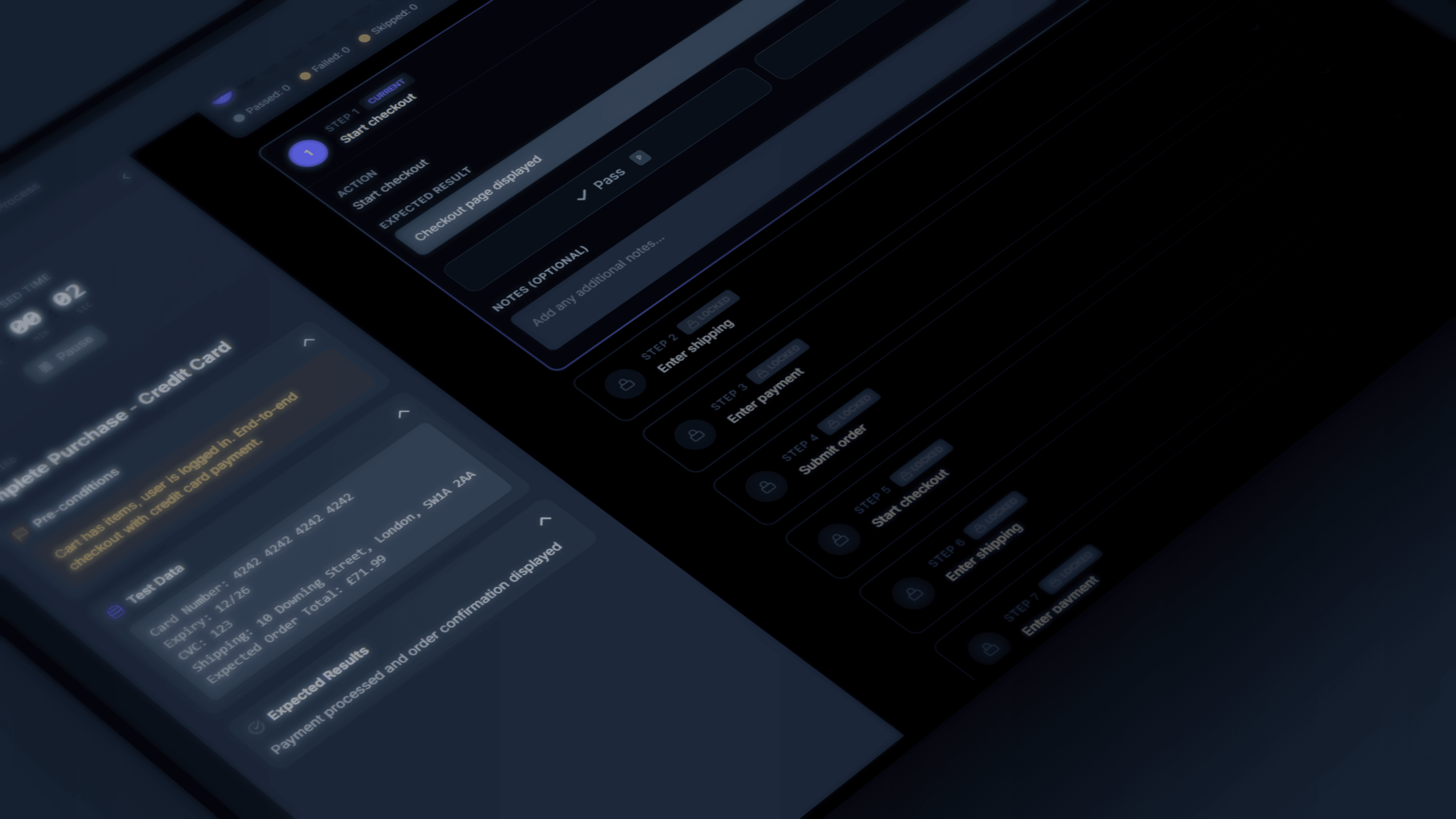
- Step-by-step execution: expected and actual results with evidence capture, and defects tracked from discovery to resolution.
- Environments and builds: every run and every issue records the environment and build it was found in and fixed in.
- Sign-off packs: a frozen snapshot with a PDF of results, versions, environments and who ran what and when. That is the evidence for the steering committee at go-live.
Free plan available, no credit card. If Panaya is on your shortlist, see LogicHive vs Panaya.