Business Central Testing That Delivers Results
Stop managing Business Central UAT in spreadsheets. LogicHive is purpose-built for Dynamics 365 Business Central implementations, bringing test case management, defect tracking, and go-live reporting into one platform where a client tester logs in with a Run License to sign off each test case. Explore all features.
Built by a working ERP consultant who got sick of running UAT in spreadsheets. Flat plans with bundled Full Licenses and Run Licenses. Sign up and create your first test case in minutes, nothing to install.
What is Business Central Testing?
Business Central testing is the process of validating that your Microsoft Dynamics 365 Business Central implementation meets business requirements before go-live. It covers everything from core financial processes and supply chain workflows to custom extensions and data migration, ensuring your ERP system works as intended for every end user.
LogicHive provides comprehensive test case management designed for ERP implementations. Our platform handles the complexity of Business Central UAT with structured workflows, defect tracking, and real-time reporting. See how it compares to generic UAT software approaches.
Why Business Central Testing Matters
- Complex business processes spanning finance, sales, purchasing, and warehouse
- Custom extensions and modifications that need thorough validation
- Data migration validation to ensure accuracy from legacy systems
- Integration points with CRM, payroll, e-commerce, and third-party systems
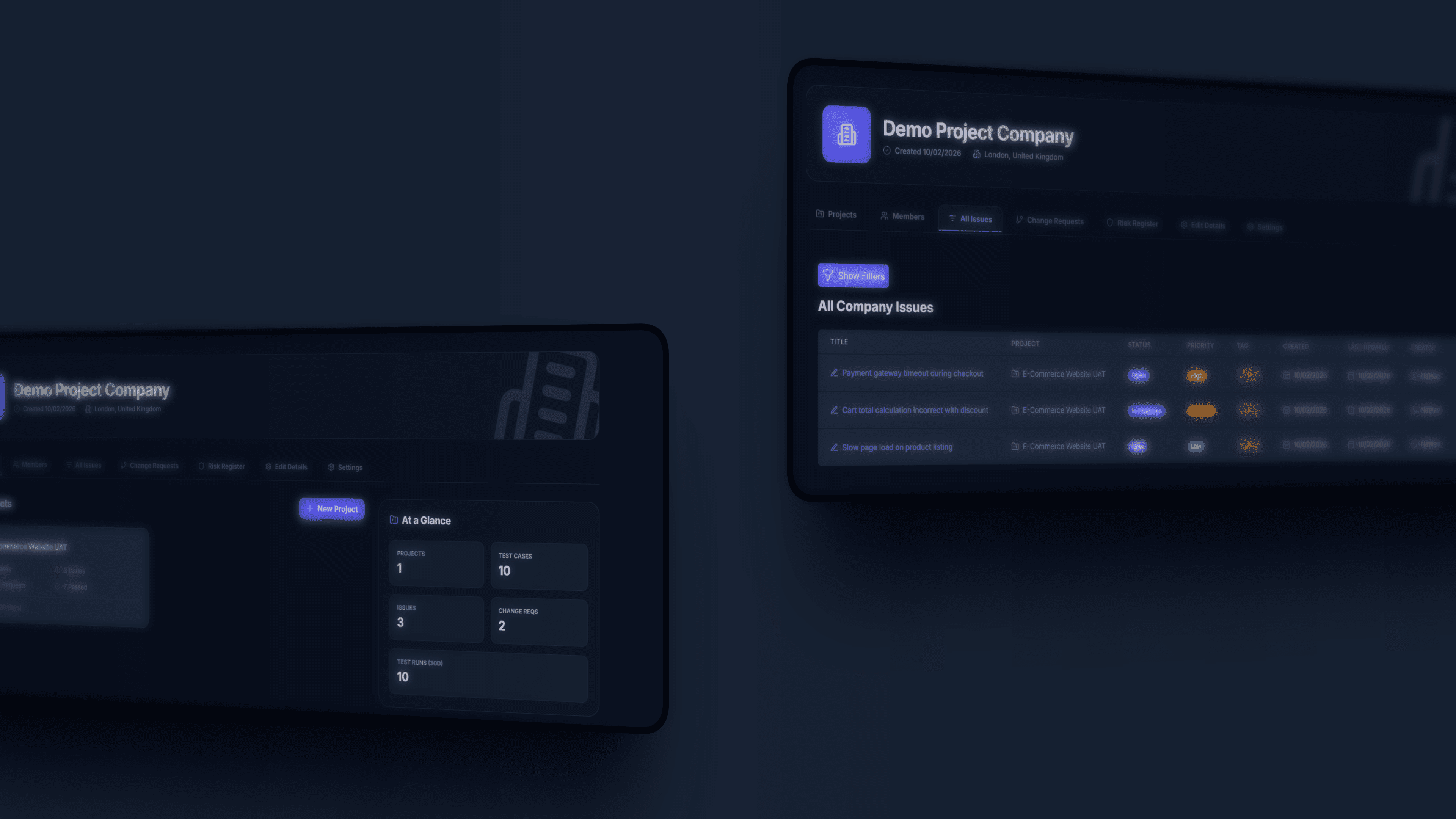
Complete Business Central Testing Features
Everything you need to run professional UAT cycles for Dynamics 365 Business Central
Test Case Management
Create and manage test scenarios for every Business Central module. Organise test cases by finance, supply chain, sales, and purchasing workflows with full traceability.
Defect Tracking
Track every issue found during Business Central testing cycles. Log defects against specific BC modules, assign to developers, and monitor resolution through to retesting.
Change Requests
Manage scope changes and customisation requests during your Business Central implementation. Keep stakeholders aligned and track the impact on testing timelines.
Real-Time Reporting
Generate comprehensive UAT reports for your Business Central implementation. Track test execution rates, defect metrics, and go-live readiness at a glance.
Client Portal
Give stakeholders and business users direct visibility into Business Central testing progress. Secure portal access for reviewing results and tracking progress.
Requirements Traceability
Map Business Central business requirements directly to test cases. Ensure every requirement is validated and maintain a complete audit trail for go-live readiness.
Environments and Builds
Run a cycle against sandbox or production, with the environment and build tracked on every run and every issue: found in, fixed in, printed on the sign-off cover.
Process Flows by Persona
Chain cases into an order to cash or procure to pay flow by role (AP clerk, warehouse supervisor), with handoff notes, and assign a whole cycle by persona in one step.
Sign-off Packs
A frozen snapshot with a PDF: results, versions, environments, who ran what and when, and results by process. That is the evidence you hand the client at go-live.
Why Choose LogicHive for Business Central Testing
Purpose-built for ERP implementation teams running Dynamics 365 Business Central UAT
No More Spreadsheet Chaos
Stop managing Business Central test cases in Excel. Scattered spreadsheets lead to missed tests, lost defects, and go-live delays. LogicHive centralises everything in one platform.
- Centralised test case repository for all BC modules
- Real-time progress tracking across testing cycles
- One-click stakeholder report generation
Built for BC Implementations
LogicHive understands the ERP implementation lifecycle. From conference room pilots to go-live readiness, our platform supports every phase of your Business Central project.
- Structured workflows for ERP testing phases
- Go-live readiness dashboards and progress tracking
Scales With Your Projects
Whether you are running a single Business Central rollout or managing multiple BC projects across subsidiaries, LogicHive scales to match your needs.
- Multi-project management for phased rollouts
- Flexible plans that grow with your testing volume
- Cross-project reporting and insights
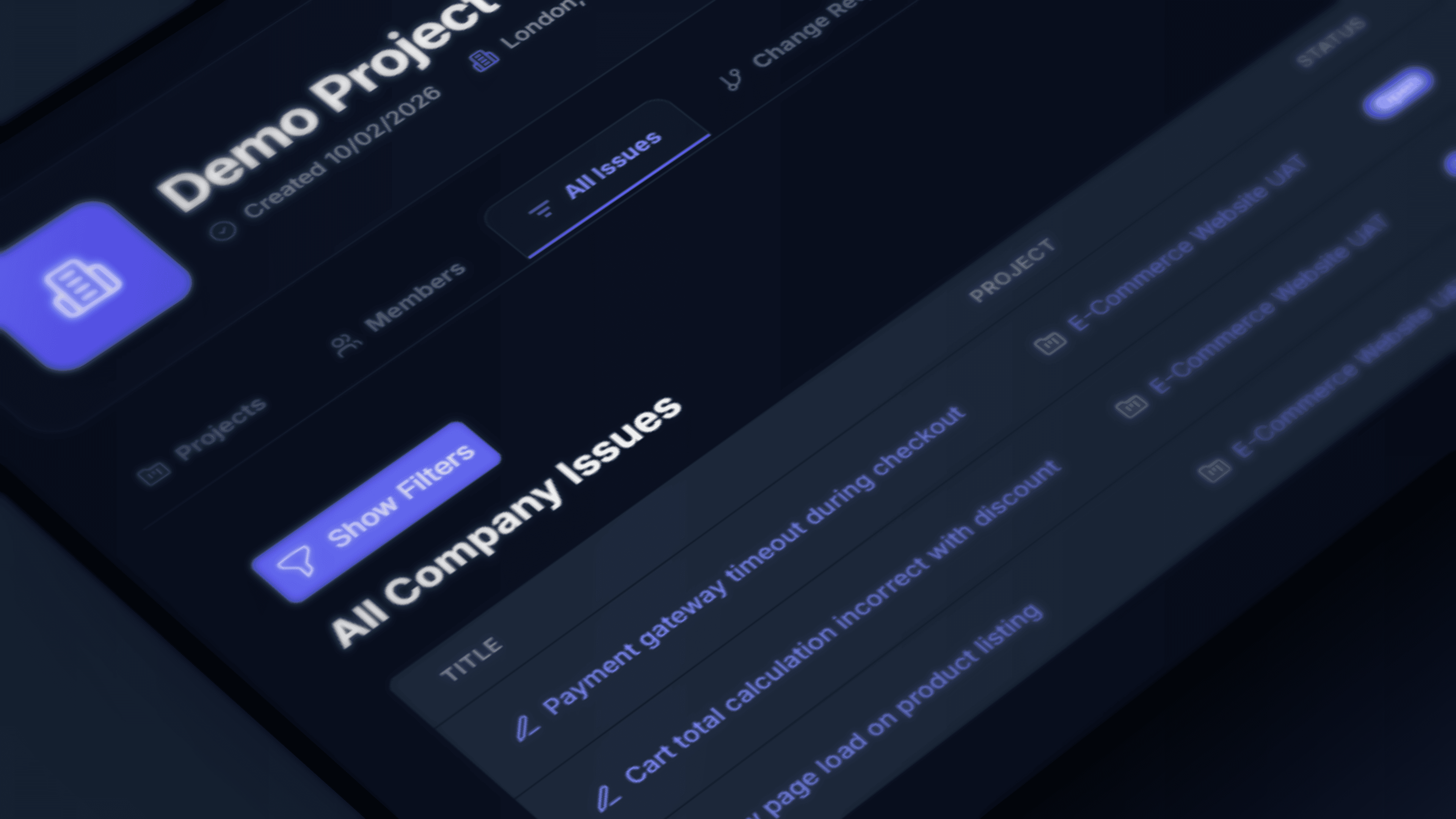
Ship Your BC Go-Live With Confidence
Results teams see when using LogicHive for Business Central UAT
Faster UAT Cycles
Structured testing and clear workflows reduce Business Central UAT time from weeks to days
Fewer Go-Live Issues
Comprehensive Business Central testing catches issues before they impact your live environment
Less Rework
Clear acceptance criteria for Business Central processes eliminate costly post-go-live fixes
See LogicHive in Action
Explore how LogicHive helps teams manage Business Central UAT from start to finish

Analytics & Reporting
Track Business Central testing progress with real-time dashboards. Monitor test execution rates, defect trends, and go-live readiness metrics.
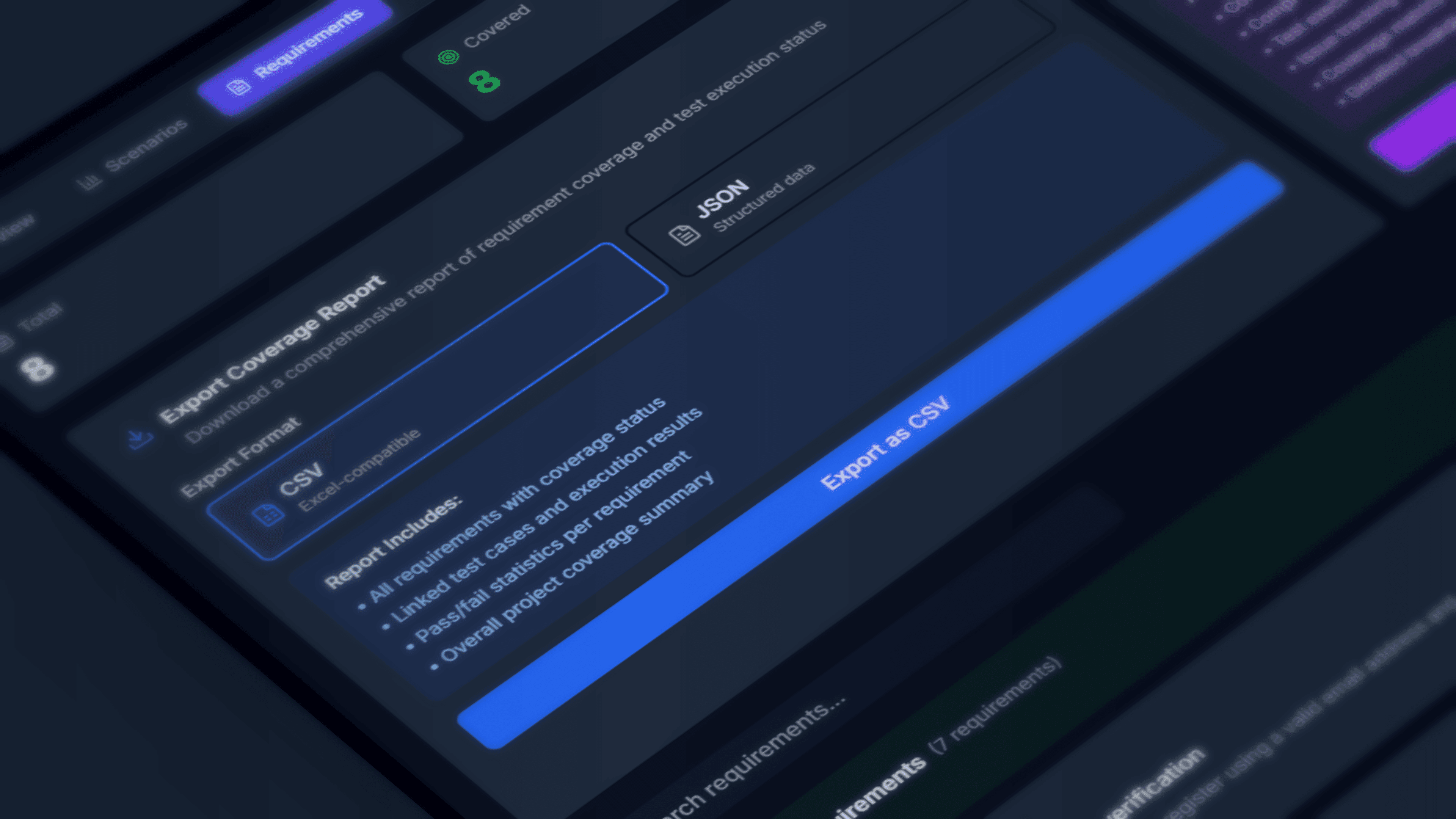
Export Reports
Generate stakeholder-ready reports for steering committees and project boards. One-click export of BC testing status and testing documentation.
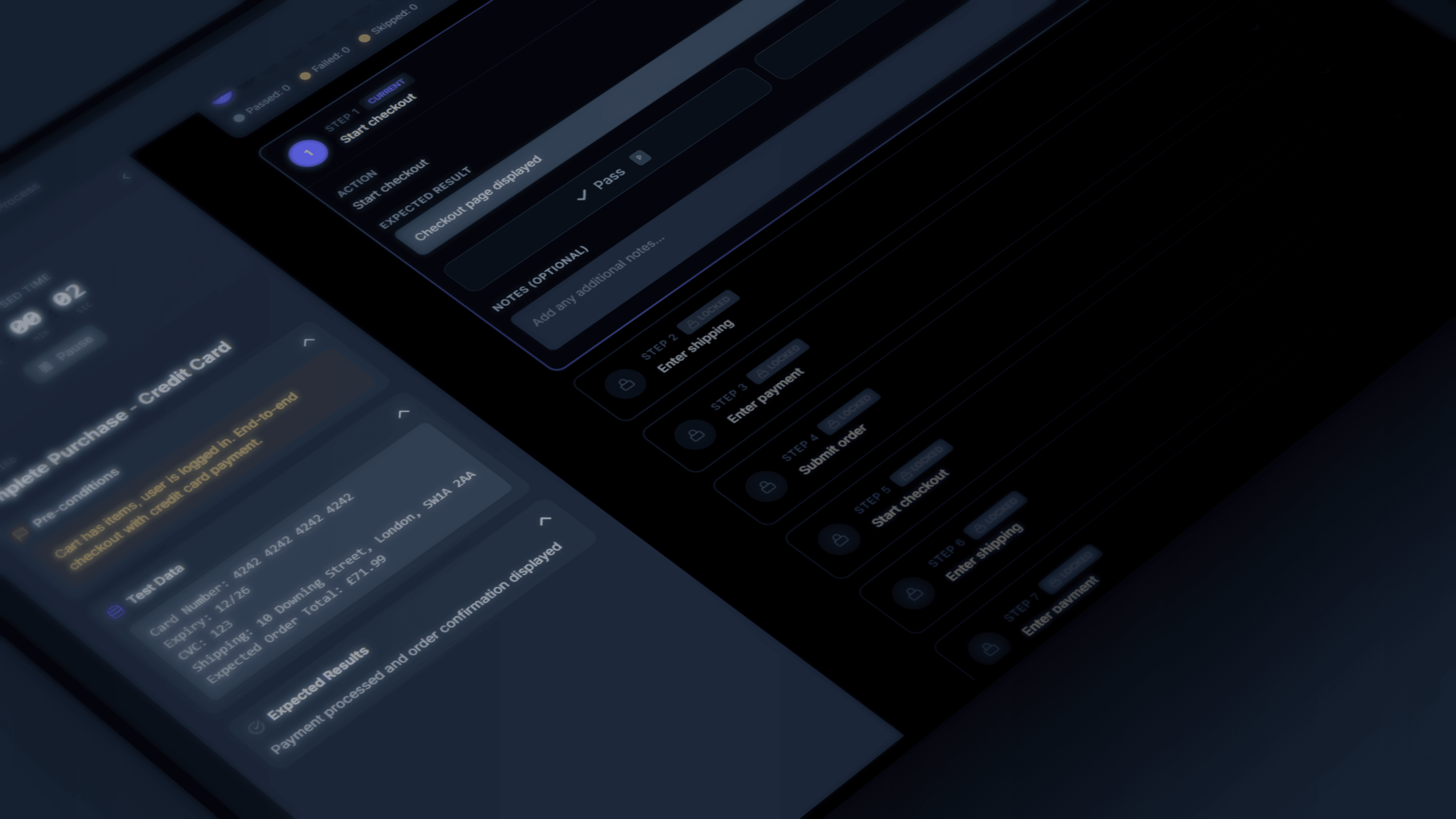
Test Case Execution
Execute Business Central test scenarios with step-by-step guidance. Record results, attach evidence, and log defects directly from the test case.
Frequently Asked Questions
Everything you need to know about Business Central testing
Ready to Import Your Business Central UAT Scripts?
Your clients log in and test through the Run Licenses bundled into your plan. One dashboard across all your BC projects. Free plan available, no credit card, no setup required.
Free plan available . No credit card required . Flat plans with bundled licenses . Nothing to install